5. Appointments and significant events
Two kinds of dated entry share this part of the app:
- An appointment is something coming up at a specific time, which you can be reminded about.
- A significant event is an all-day marker for something that happened — an operation, a flare-up, a holiday, starting a new medication. It records the past rather than announcing the future, so it has no time and no reminder.
Both appear on the month calendar, and both give the numbers some context when you look back.
Appointments
Go to Plan → Appointments.
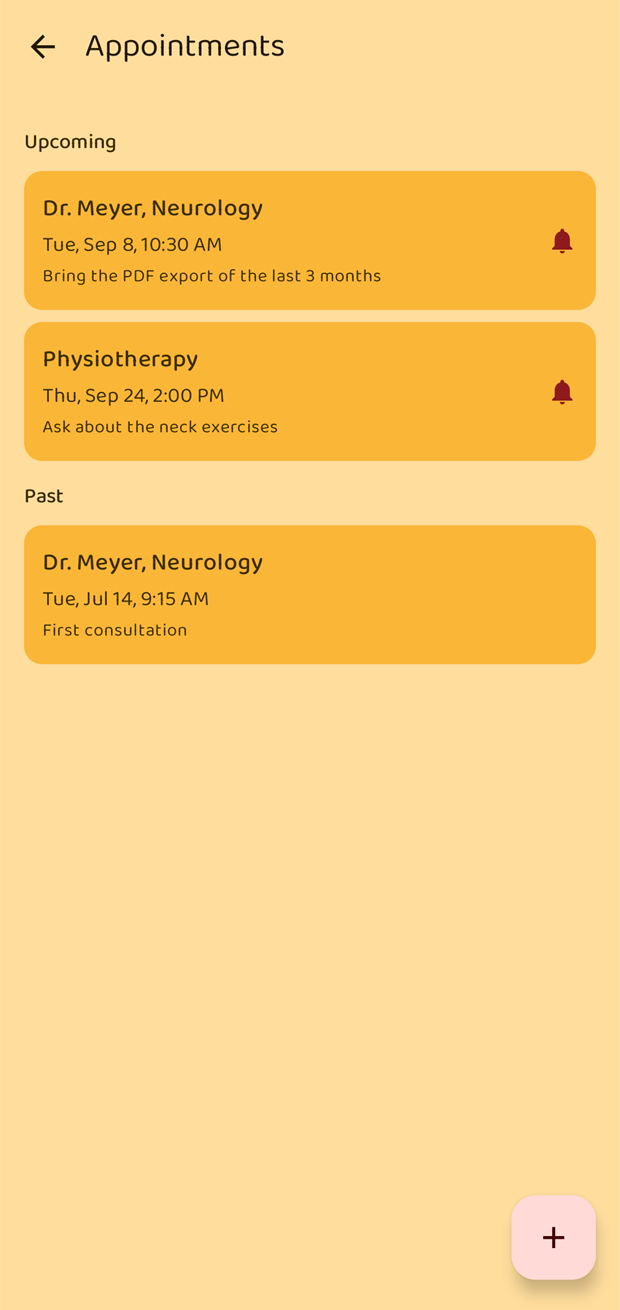
The list is split into Upcoming and Past. A small bell marks an appointment that has a reminder set.
Tap + to add one, or tap an existing appointment to change it.
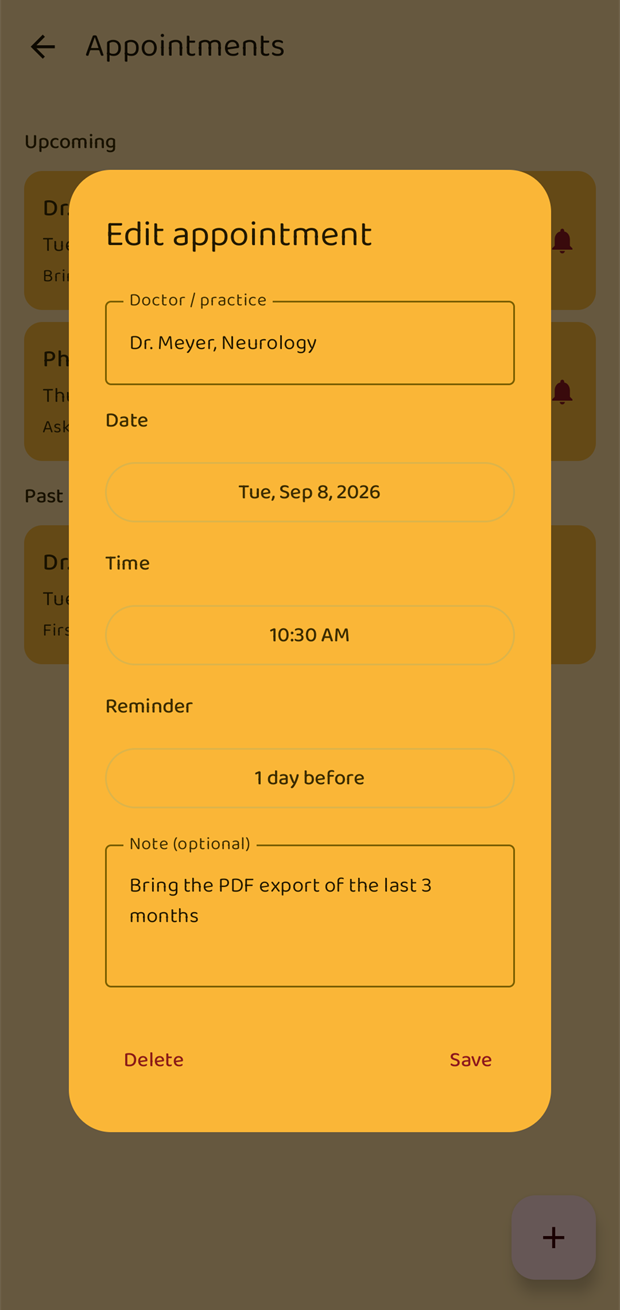
| Field | Notes |
|---|---|
| Doctor / practice | The name that appears in the list and on the calendar. |
| Date and Time | Tap either to change it. |
| Note | Optional — "Bring the PDF export of the last 3 months". |
| Reminder | No reminder, or 1 hour, 1 day, 2 days or 1 week before. New appointments default to 1 day before. |
Delete removes the appointment and cancels its reminder.
The reminder
An appointment reminder is a notification with an Ignore button. Tapping the notification itself opens a read-only summary of the appointment, with an Edit link.
Significant events
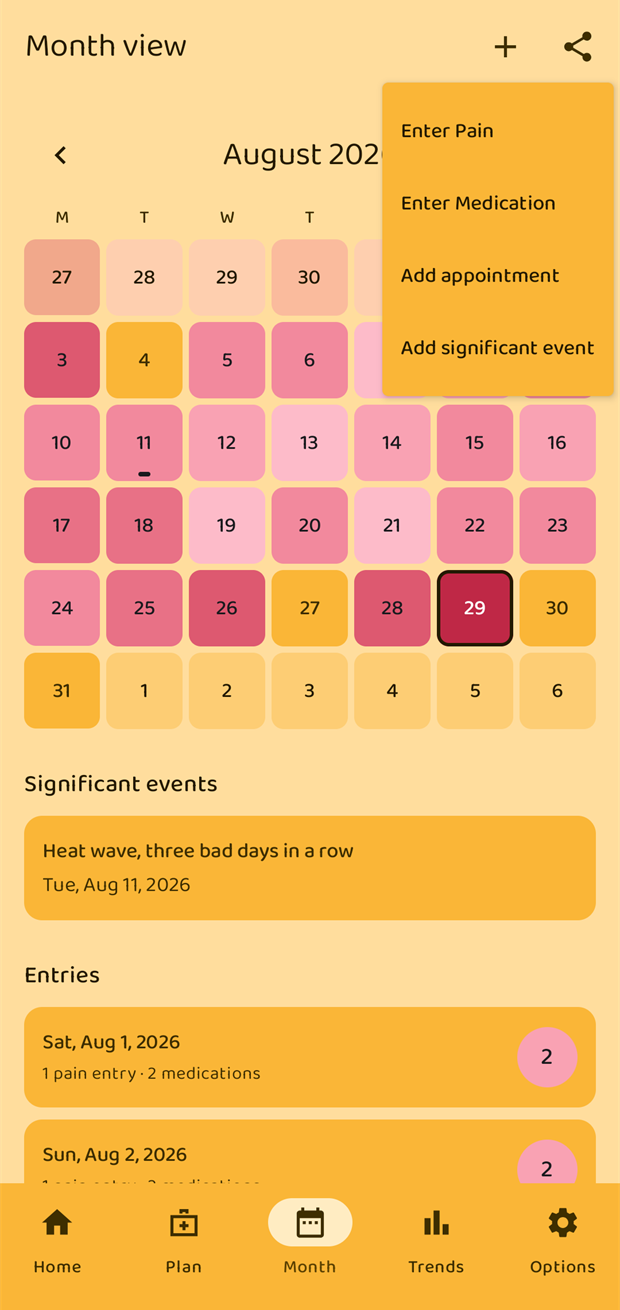
Significant events are added from the Month view: tap + in the top bar (or Add inside a day) and choose Add significant event. Give it a date and a line of text — "Started magnesium in the evening", "Heat wave, three bad days in a row".
They are listed under Significant events below the month calendar, and marked on the day itself, so when you scroll back through a bad fortnight the reason is right there.