
Android · Games
Duel Box Challenge
Thirteen two-player games in one app. Play across a table on one phone, against the computer, on two phones over Bluetooth, or online with a friend anywhere.
No account. No ads. No in-app purchases. Works offline, except online play.
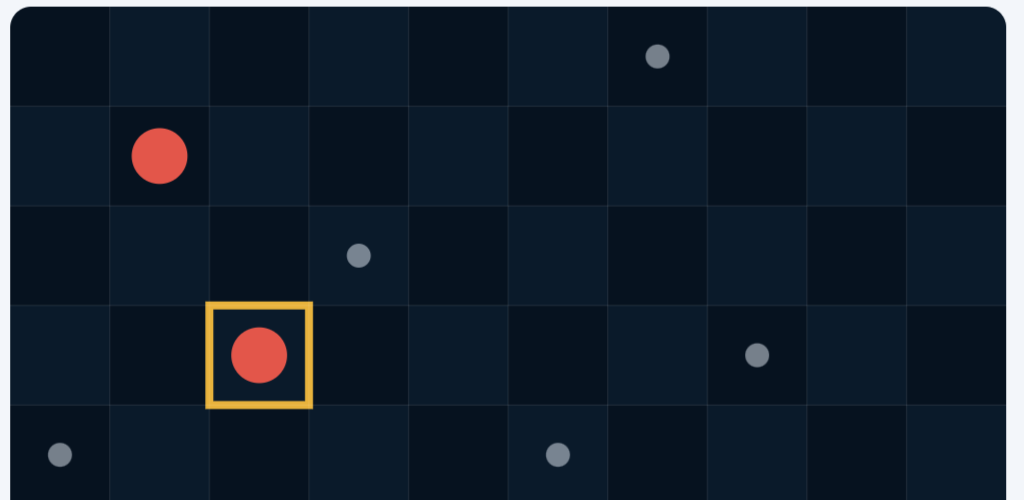
A whole shelf in one app.
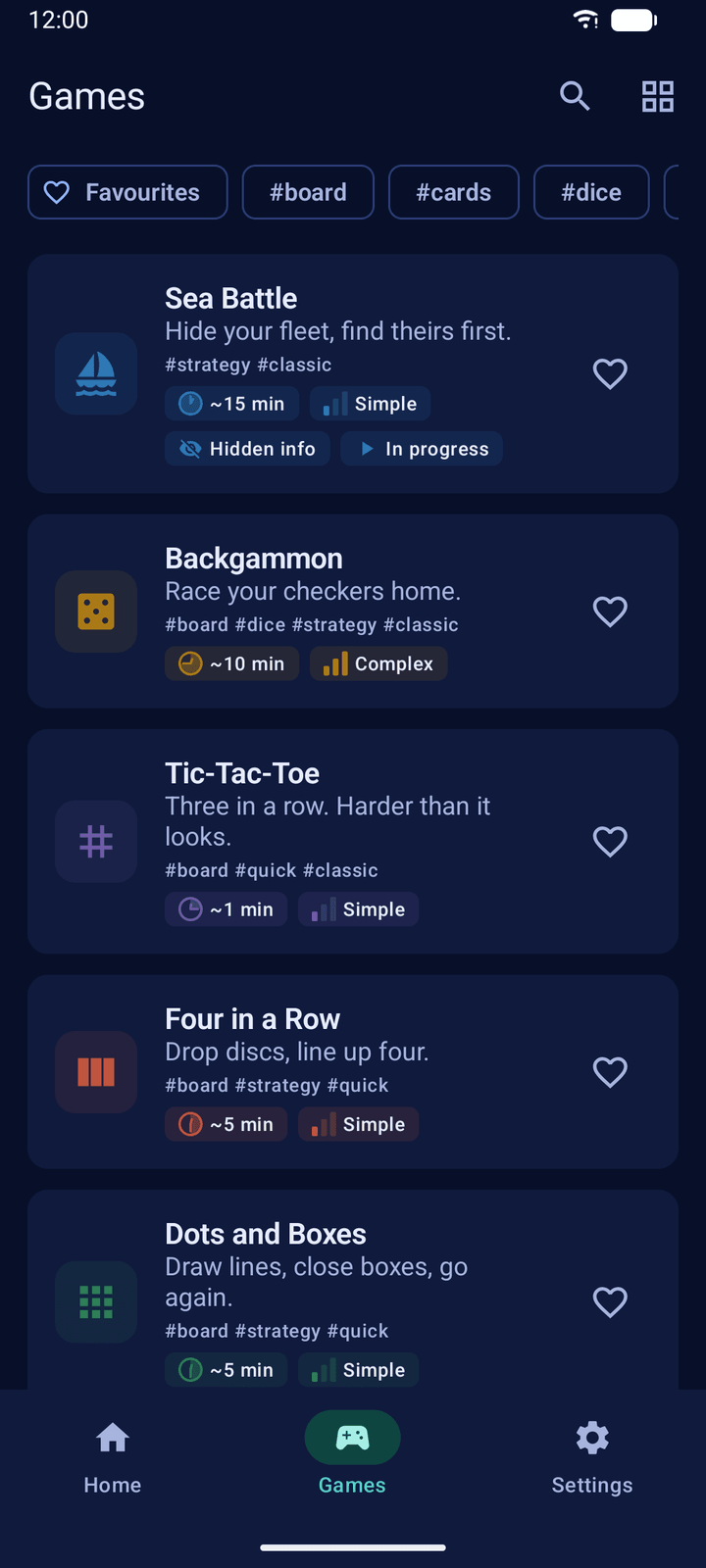
Sea Battle, Backgammon, Tic-Tac-Toe, Four in a Row, Dots and Boxes, Ludo, Word Duel, Checkers, Blackjack, Darts, Archery, Pig and Puck Duel. From a minute of Tic-Tac-Toe to twenty of Checkers.
See all thirteen games ↗With whoever is around.
Pass one phone back and forth, play the computer at three levels, link two phones nearby over Bluetooth and Wi-Fi, or send a friend a code and play online.
How the four ways work ↗Set the board your way.
A shorter race, a bigger grid, more rounds, a stronger wind. Every game has its own options, and the rules are one tap away before and during a match.
What each game lets you set ↗Classic duels, wherever you are
Duel Box Challenge is an Android app with thirteen classic two-player games: board games, dice, cards, words and three games of skill. Each one can be played against the computer, with a friend on one phone, and with a friend on a second phone nearby. The twelve turn-based games can also be played online.
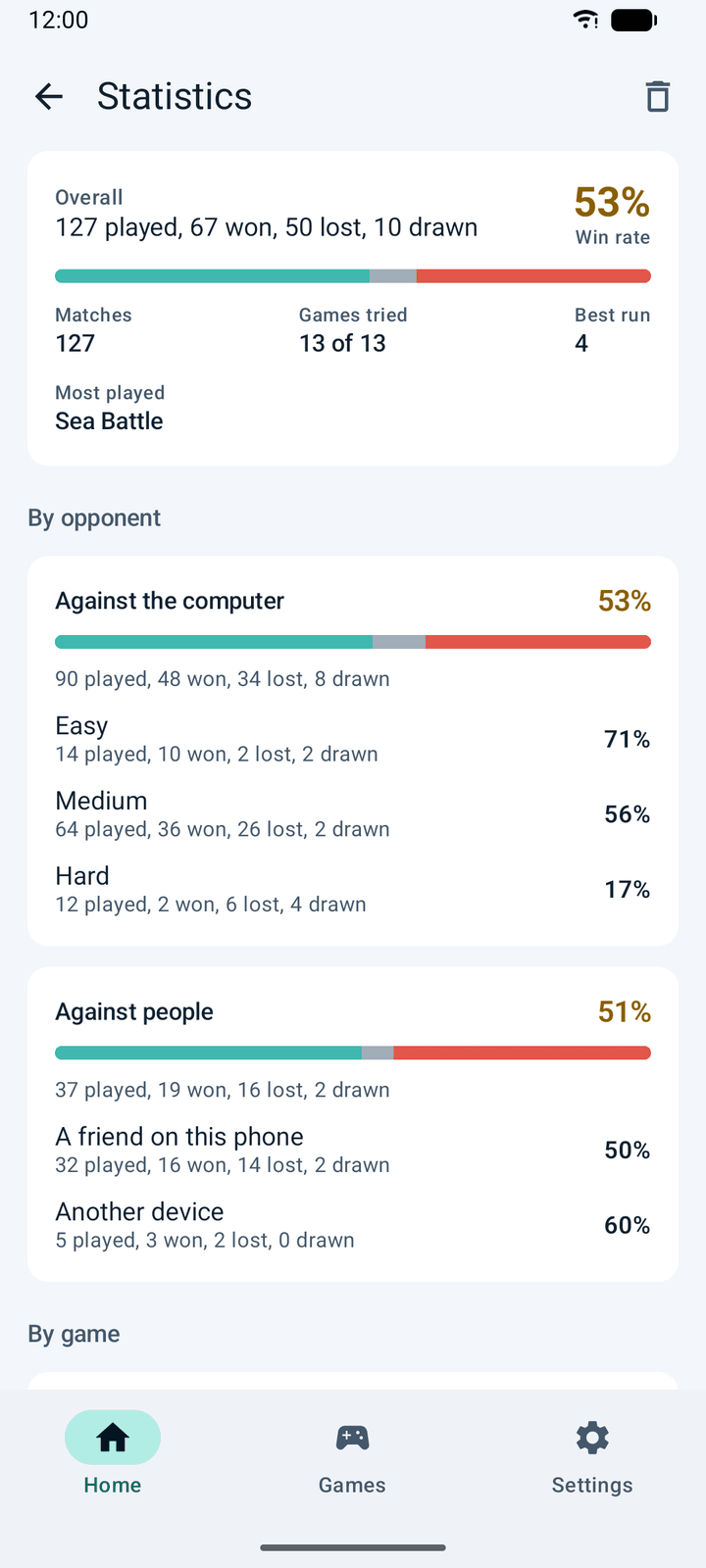
A match on your phone is saved as you play and waits for you on Home. On two phones, a lost connection pauses the match instead of ending it. Every finished match is counted in your statistics, by game and by opponent, and there are 37 trophies to earn.
The app is available in eleven languages and ten themes, reads its boards out to a screen reader, and offers button controls for the games that are otherwise played by dragging and flicking.
App details
- Platform
- Android 12 or later, phones and tablets, upright or sideways. Check your device compatibility on Google Play.
- Ways to play
- Against the computer at three levels, two players on one phone, two phones nearby over Bluetooth and Wi-Fi, and online with a code or in an open room.
- Languages
- English, German, Spanish, Turkish, Portuguese (Brazil and Portugal), Arabic, Hindi, Simplified Chinese, Japanese and Korean, switchable in the app. About the languages.
- Themes
- Light, dark or following the phone, plus high contrast, AMOLED black and five coloured dark themes. See the themes.
- Accessibility
- Screen-reader labels on the boards, pieces told apart by marks as well as colour, button controls in place of dragging and flicking, and no turn clocks. Read about accessibility.
- Offline use
- Everything except online play works with no internet connection.
- Ads and accounts
- No advertising, no in-app purchases and no sign-up.
- Privacy
- Your name, boards and moves are never sent to the developer. Usage statistics can be switched off in Settings. Read the full privacy policy.
From the shelf to the board
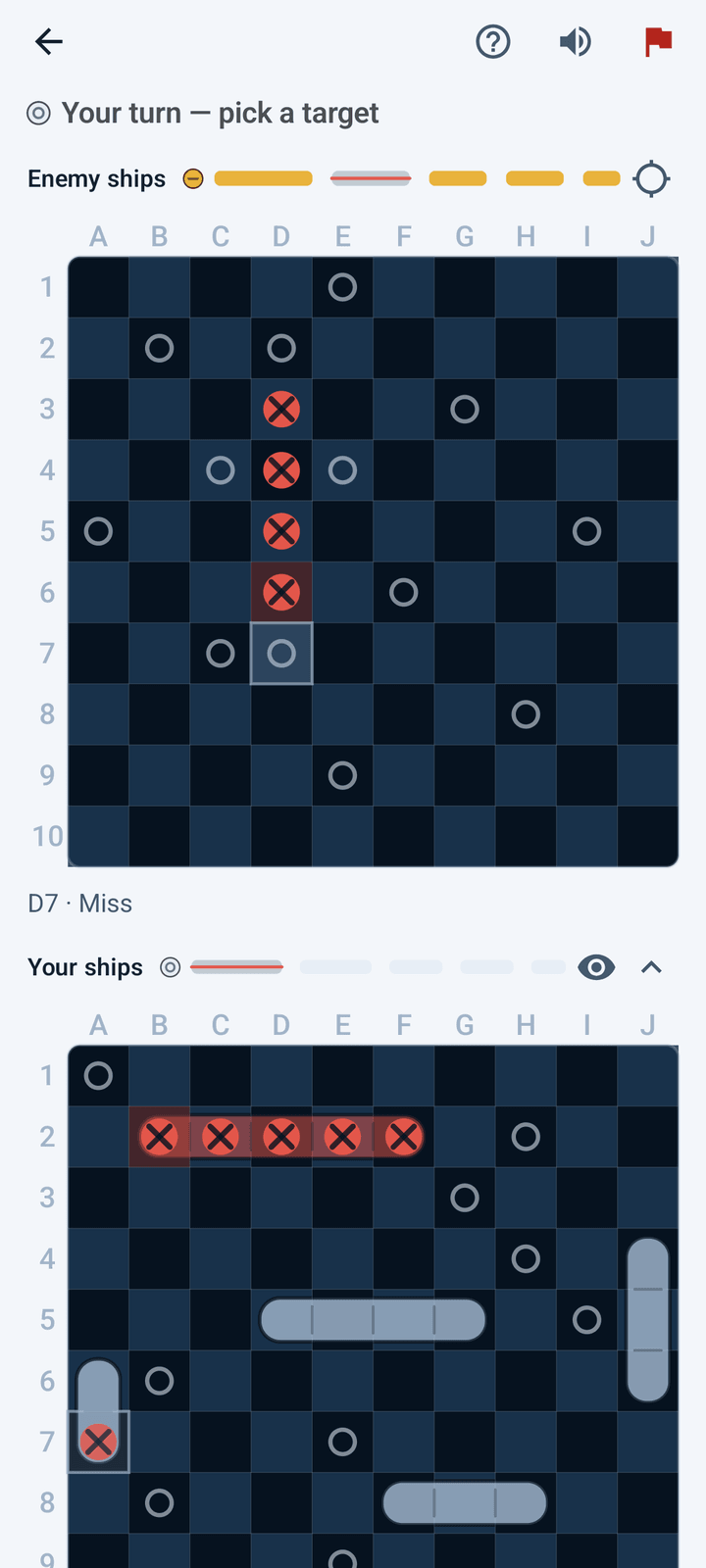
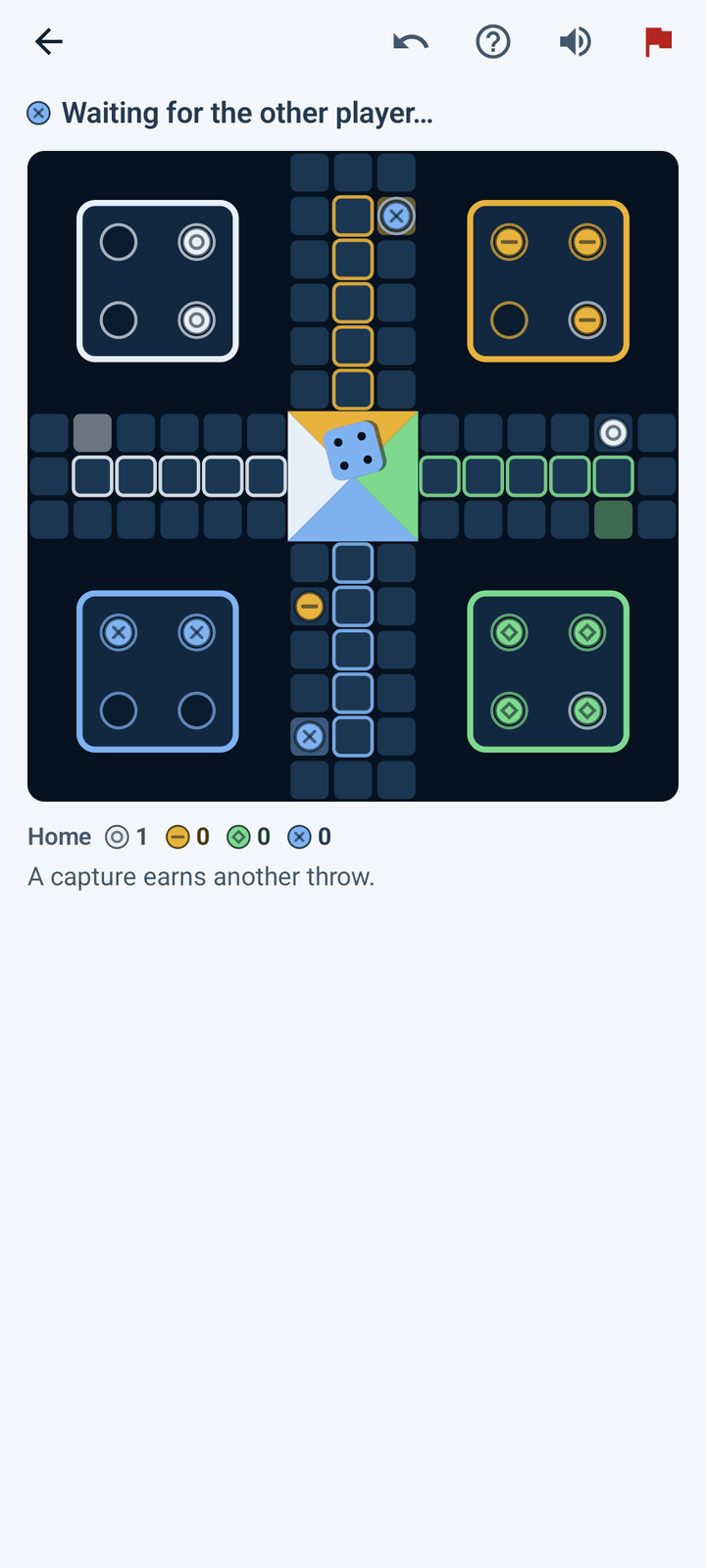
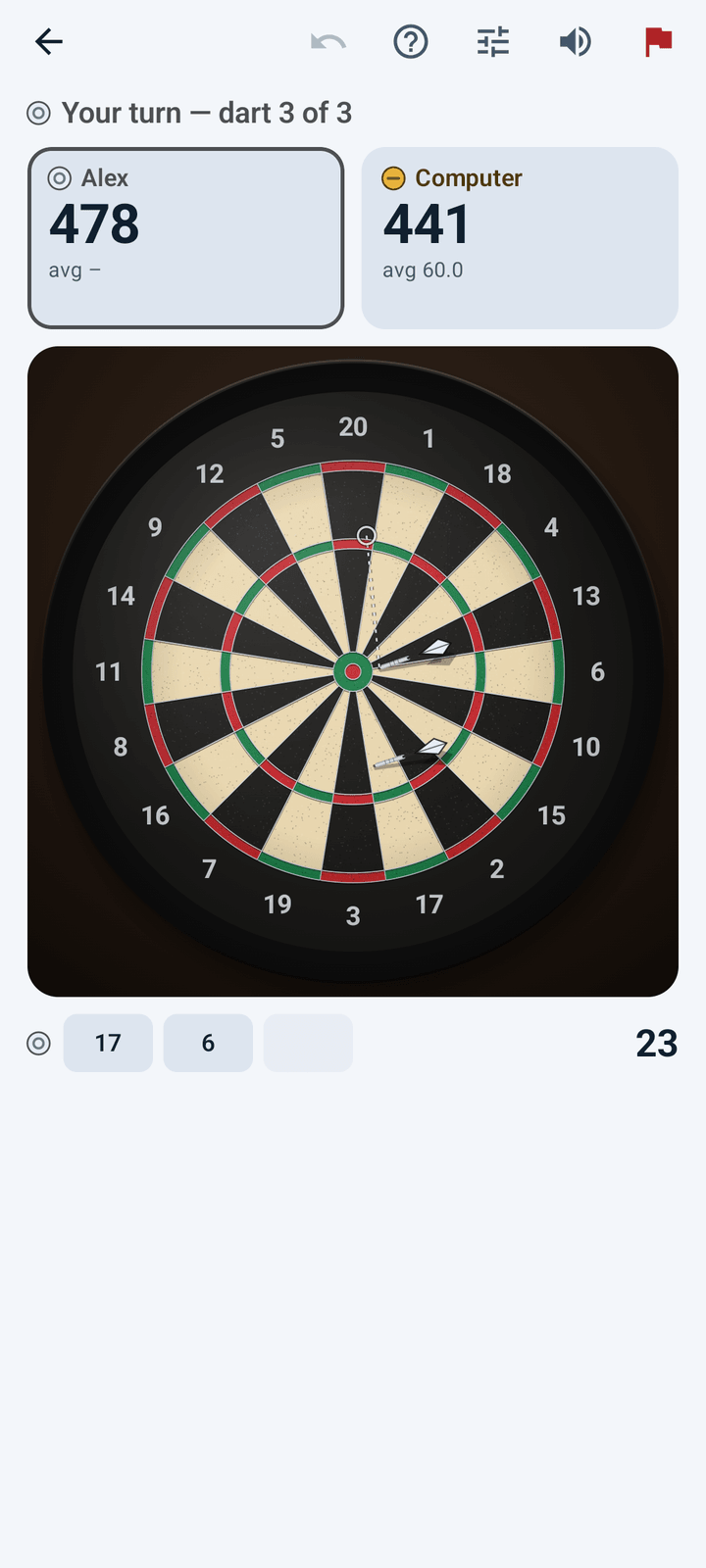
Example screens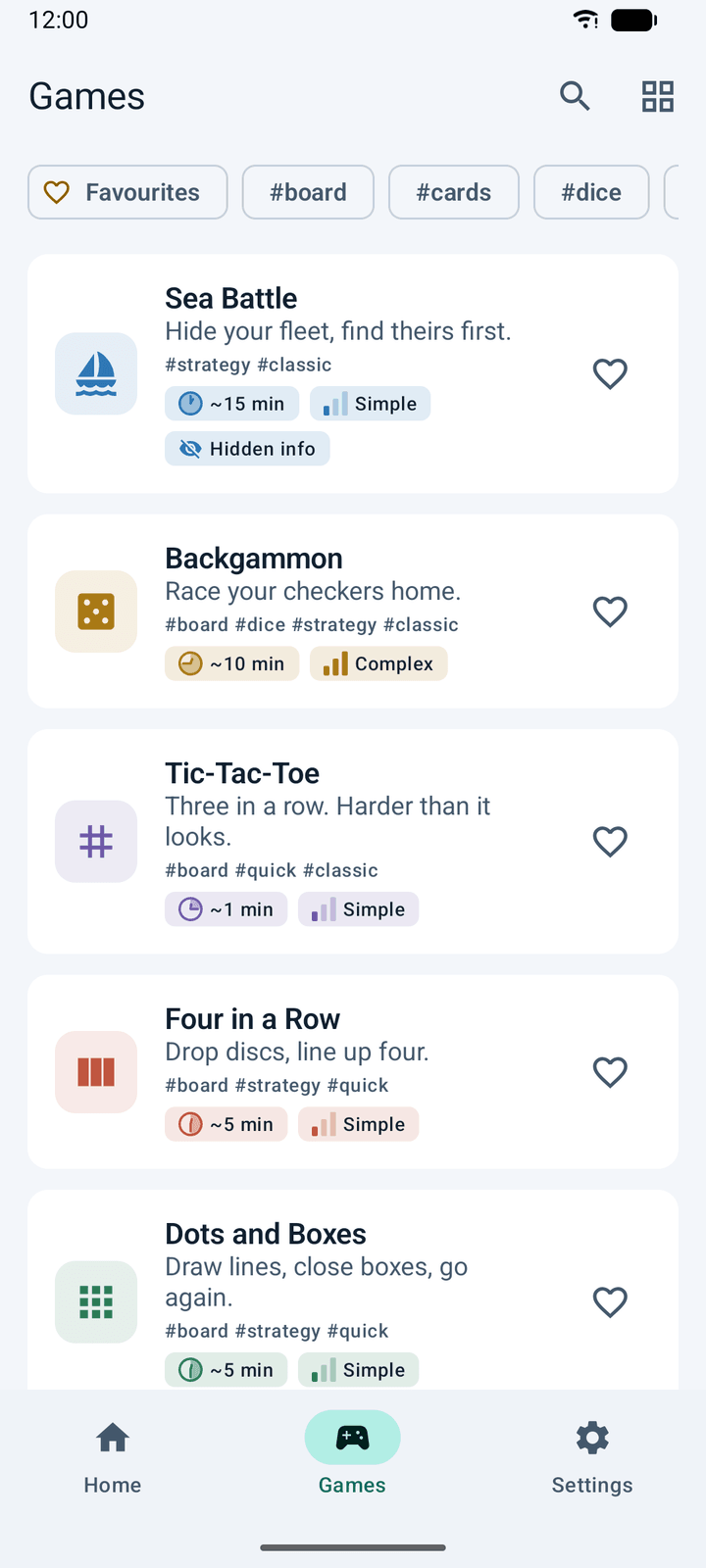
The thirteen games
Each game and its options ↗- Sea BattleHide your fleet, find theirs first. Three fleet sizes.
- BackgammonRace your checkers home. Single games or matches of up to five.
- Tic-Tac-ToeThree in a row, over in a minute.
- Four in a RowDrop discs, line up four.
- Dots and BoxesDraw lines, close boxes, go again. Four board sizes.
- LudoRace four tokens home. Two or four players, a full or a short race.
- Word DuelSet a word for them, crack the one they set for you.
- CheckersInternational draughts on a ten-by-ten board, with flying kings.
- BlackjackA duel between two hands for rounds. No dealer, no betting.
- Darts501 or 301, with or without double out, and a practice board.
- ArcheryDraw, hold, read the wind and loose. Three distances.
- PigPush your luck with one die. A one loses the lot.
- Puck DuelReal time: two mallets, one puck, first to seven goals.
Playing within a minute
Say what to call you.
The first time you open the app it asks for a name, and nothing else. There is no account. First-start guide.
Pick a game and a way to play.
Tap a game, then Play the computer, Pass and play, Two devices or Online. The four ways to play.
Leave whenever you like.
A match on your phone is saved and waits under Continue playing on Home. Saved matches.
Frequently asked questions
More questions in the manual ↗Which games are in the app?
Thirteen: Sea Battle, Backgammon, Tic-Tac-Toe, Four in a Row, Dots and Boxes, Ludo, Word Duel, Checkers, Blackjack, Darts, Archery, Pig and Puck Duel.
See each game and what you can set.
Are there ads, purchases or an account?
No. The app has no advertising and no in-app purchases, and there is nothing to sign up for. It runs on Android 12 or later.
Does it need the internet?
Only for online play. Playing the computer, passing one phone back and forth and playing on two phones nearby all work with no connection at all.
Can I play alone?
Yes. Every game has a computer opponent at three levels: Easy, Medium and Hard. You set the level once, under Settings → Computer opponent.
Read about playing the computer.
How do two of us play on one phone?
Open a game and tap Pass and play. In Sea Battle, Word Duel and Blackjack the phone covers the board between turns, so neither of you sees what the other is hiding. Puck Duel is played by both at once, one at each end of the phone.
Read about sharing one phone.
How do we play on two phones?
Both need the app. One opens a game and taps Two devices; the other taps Home → Join a game → Search. The phones link directly over Bluetooth and Wi-Fi, and nothing goes over the internet.
Follow the two-device guide.
Can we play when we are not in the same place?
Yes, online. One of you creates a six-character code and sends it; the other types it in under Home → Join a game. You can also open a room that anyone can join. Online play is in beta and is offered for every game except Puck Duel.
Read about online play.
What happens if the connection drops mid-match?
The match pauses and the board says why. When the phones find each other again, play carries on from the same position. Nobody forfeits for walking out of range.
Is my game saved if I close the app?
A match against the computer, or passed between two players on your phone, is saved as you play. It waits under Continue playing on Home, one match per game.
Read about saved matches.
In which languages is the app?
Eleven: English, German, Spanish, Turkish, Portuguese for Brazil and for Portugal, Arabic, Hindi, Simplified Chinese, Japanese and Korean. You can switch inside the app, and Arabic is laid out from right to left.
Read about the languages.
Is there a dark mode?
Yes. There are ten themes: following the phone, light, dark, high contrast, AMOLED black, and dark red, navy blue, forest green, graphite and deep purple.
See the themes.
Is the app accessible?
The boards of the turn-based games are read out square by square by a screen reader. Pieces carry marks as well as colours. Darts and Archery can be played with on-screen buttons in place of dragging and flicking, Puck Duel has an assisted mallet, and the turn-based games have no clock.
Read about accessibility.
What data does the app collect?
Nothing you type, name or play is sent to the developer. A match on two phones exchanges your name and moves with the other phone only; an online match carries them through Google's Firebase servers and deletes the room when the match ends. The app reports usage statistics to Google Analytics for Firebase, which you can switch off under Settings → Share usage data.
Read the privacy policy for the full details.
Guides & information
- User manualThe manual is being revised. FAQs remain available.
- Languages, themes and accessibilityEleven languages, ten themes, and playing without dragging or flicking.
- Statistics and trophiesYour record against every opponent, and 37 trophies.
- Questions and answersPlaying together, saved matches, single games, data and privacy.
- Privacy policyHow the game handles your data.
Made by Ataalp Software
Duel Box Challenge is published by Altug Ataalp. For questions about the app, contact ataalpaltug92@gmail.com.
Visit the manual or read the privacy policy.
Get Duel Box Challenge on Google Play